
Creating a Pluto account
There are two ways to get a Pluto account, depending on whether you're starting a clinic or joining one. This guide shows you how to join an existing clinic as a clinician or admin.
Joining a clinic
Clinicians and new admin accounts join by invitation. Only clinic owners and existing admins can send invite links (to find out how to do this, go to Invite your team).
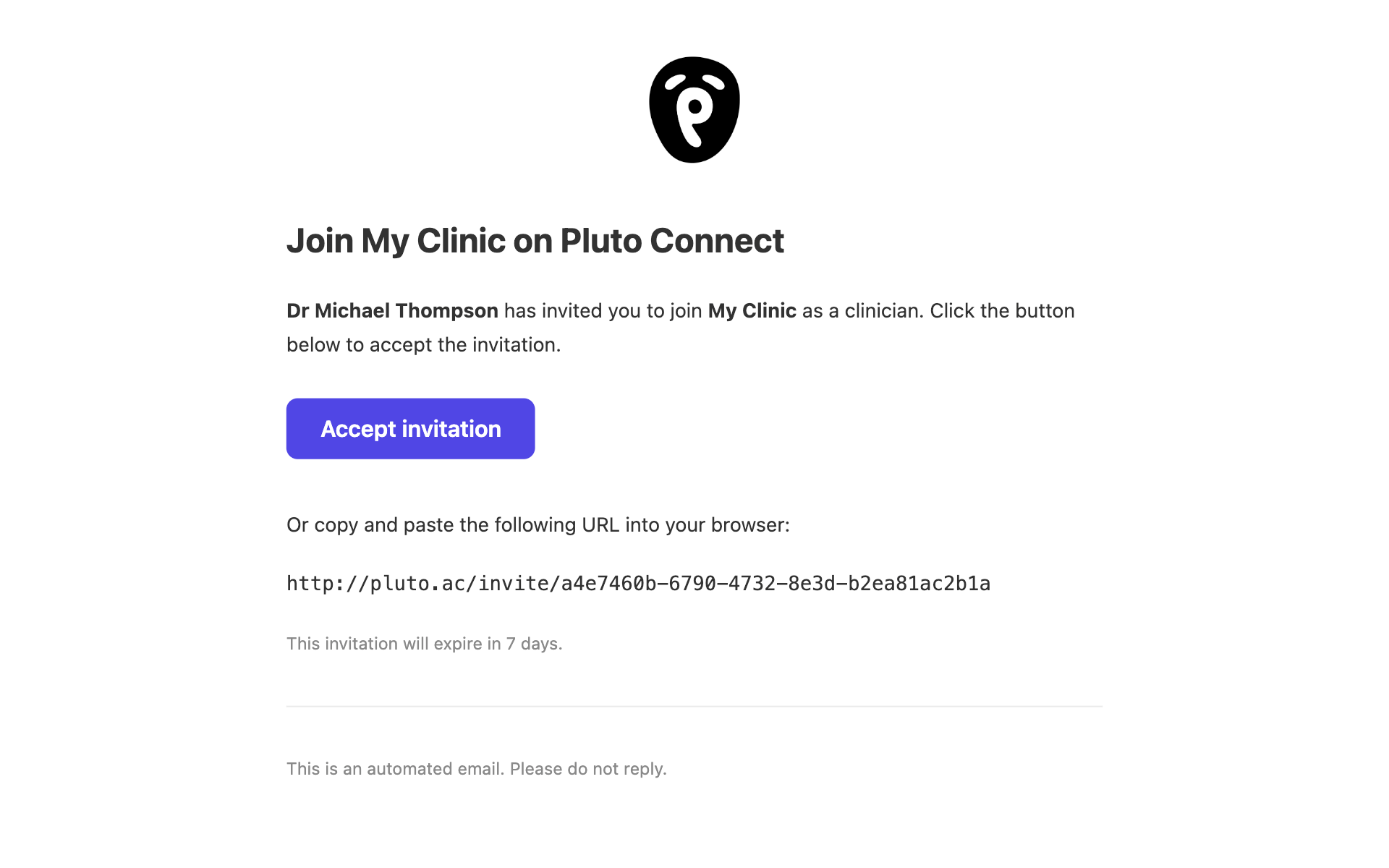
Once you have been invited to a clinic you will receive a unique link in your email. Click 'accept invitation', or copy/paste the link into your browser.
Click "create account" at this screen.
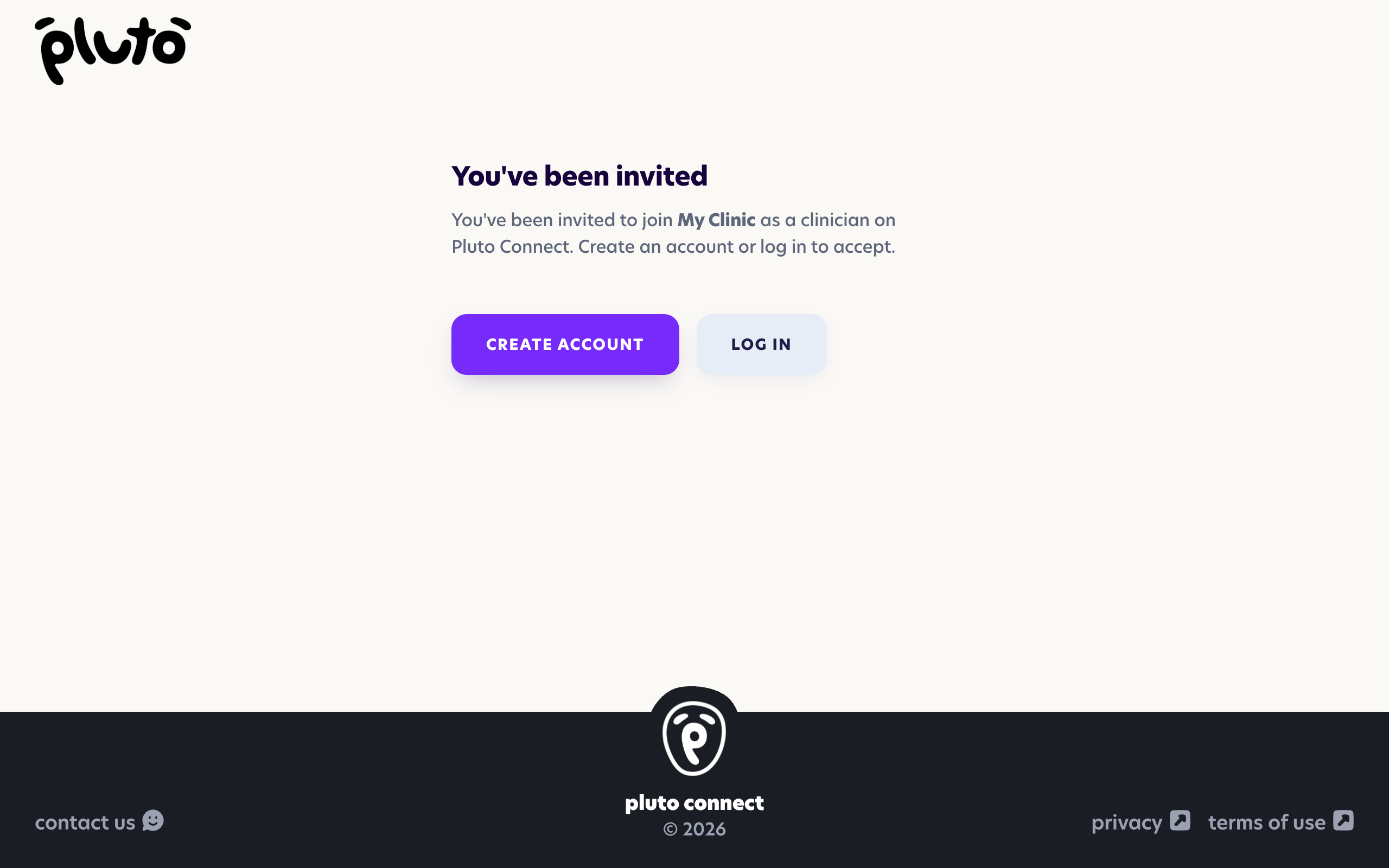
We currently only support joining one organisation at a time. If you already have an account on Pluto with a different clinic, make sure you are signed out first then create a new account at this screen with a different email address.
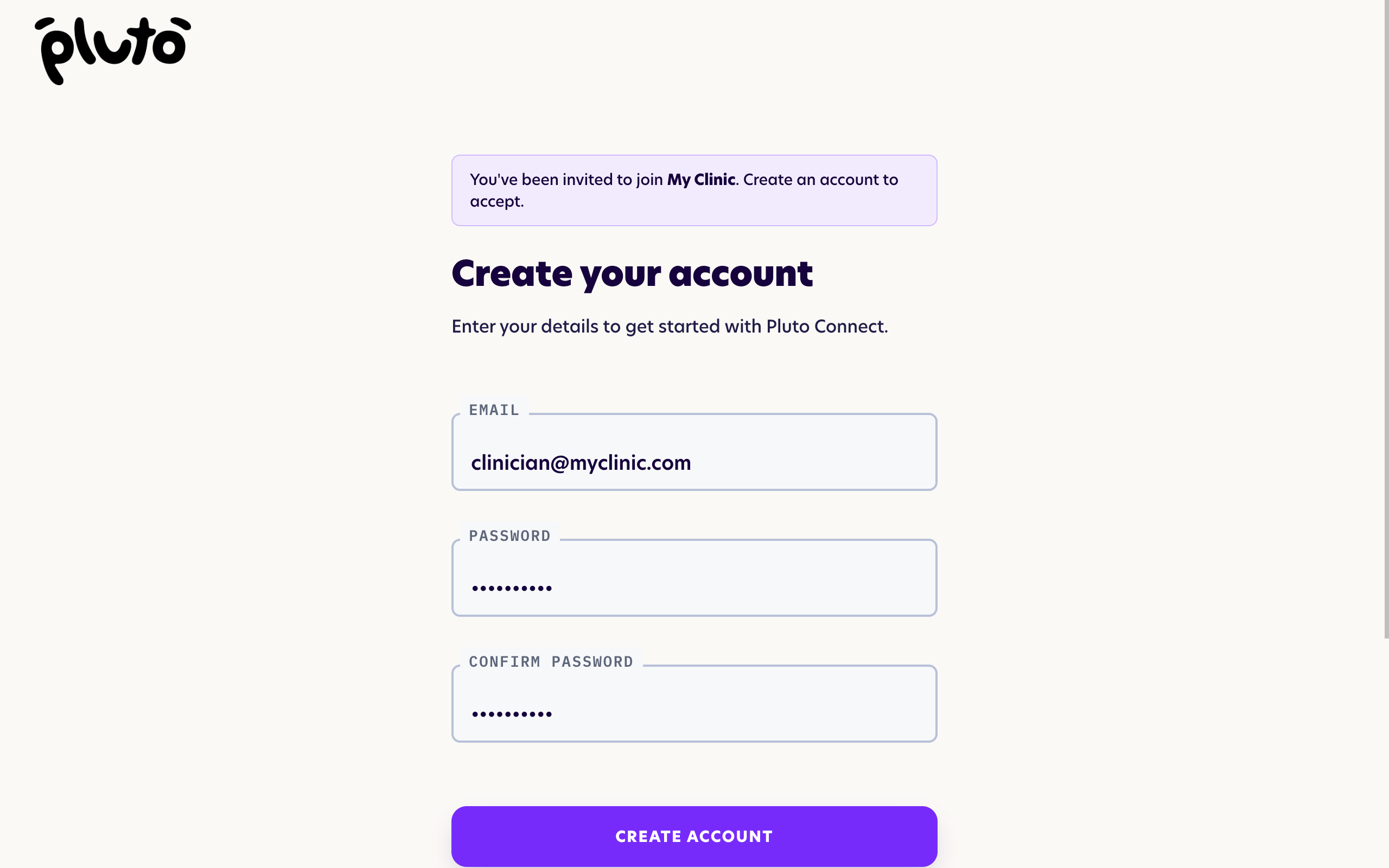
Create your account by entering your preferred email address and choosing a password.
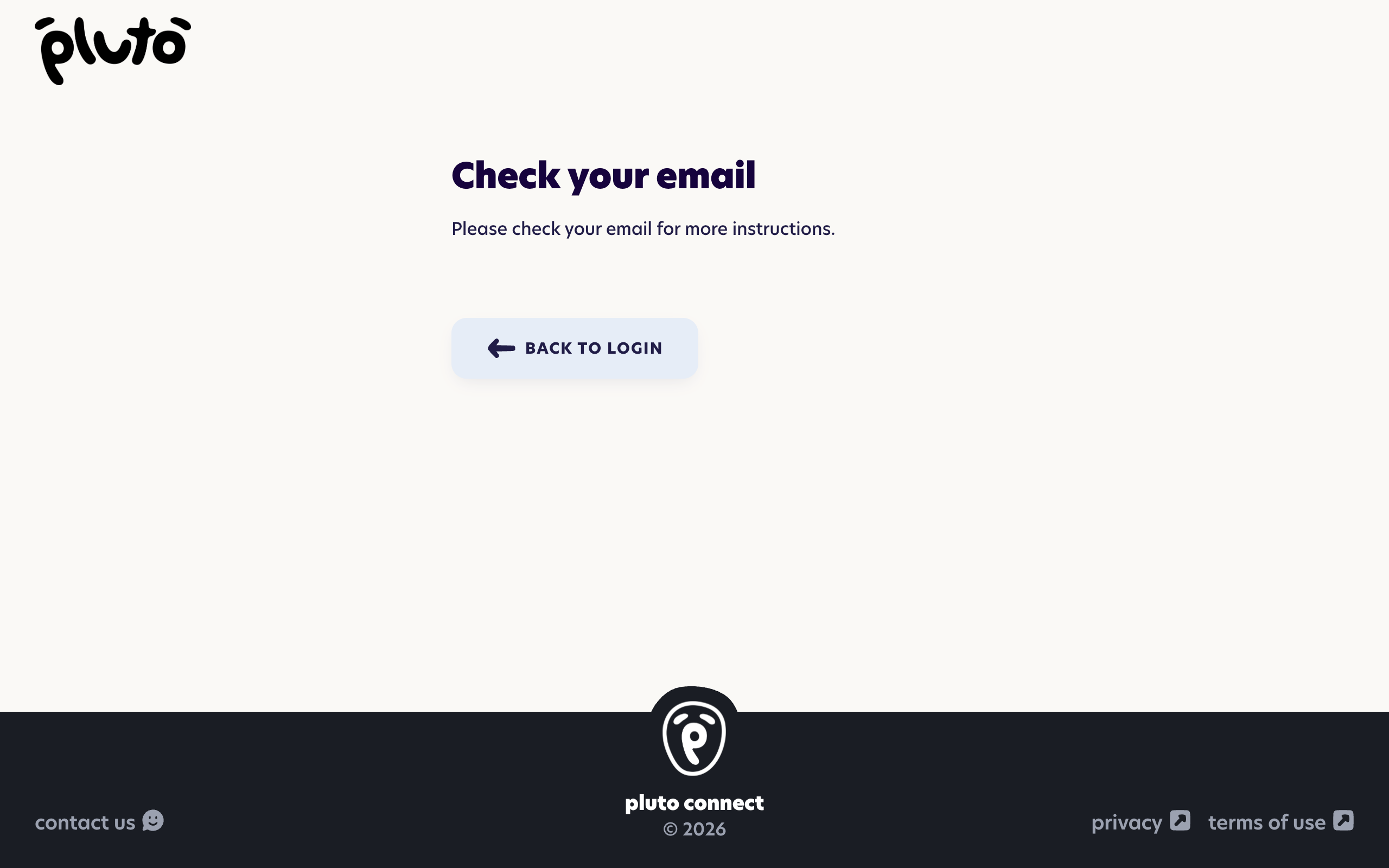
Click the link in the verification email to confirm your email address and complete your profile. You can always change your details later in your profile settings.
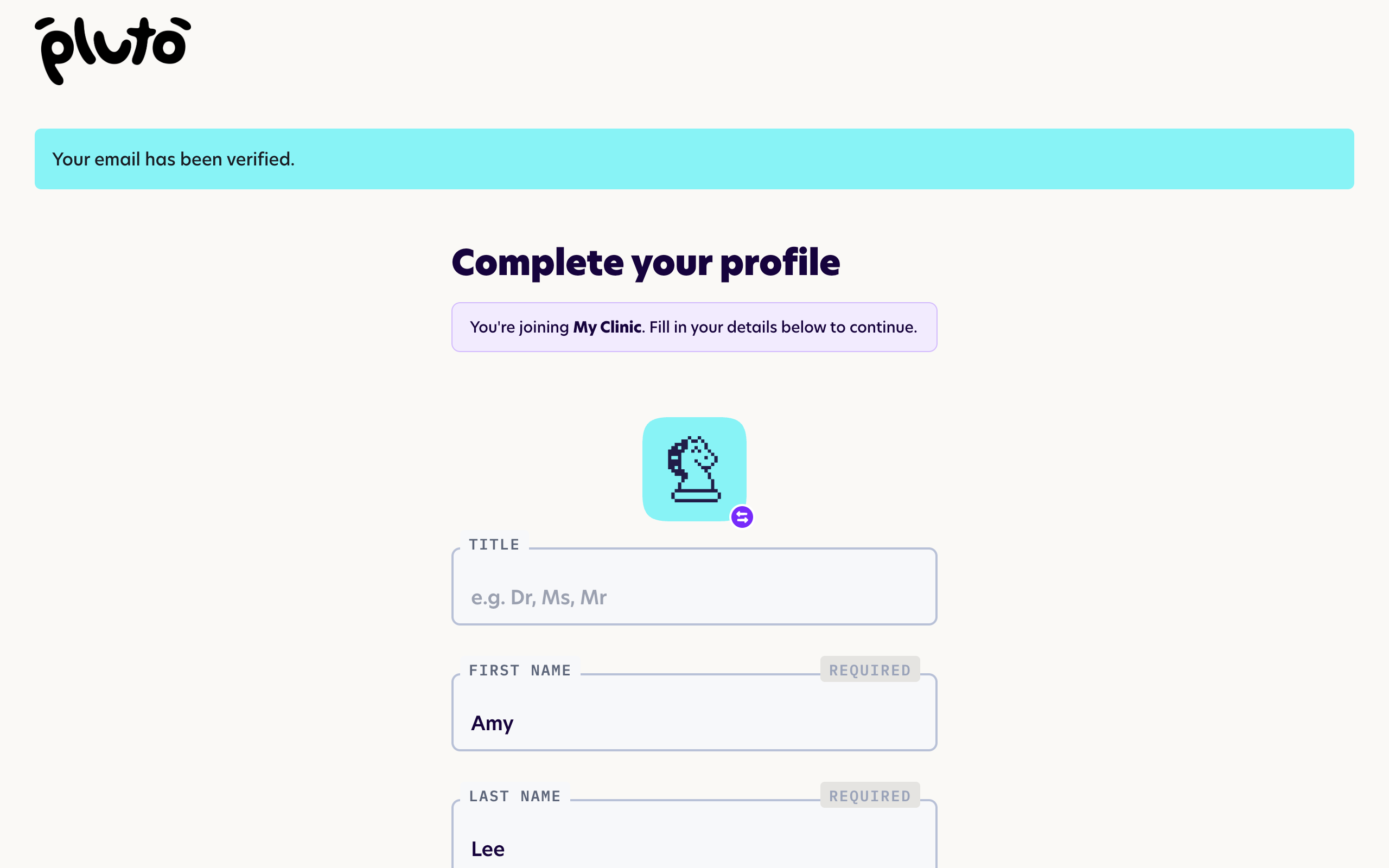
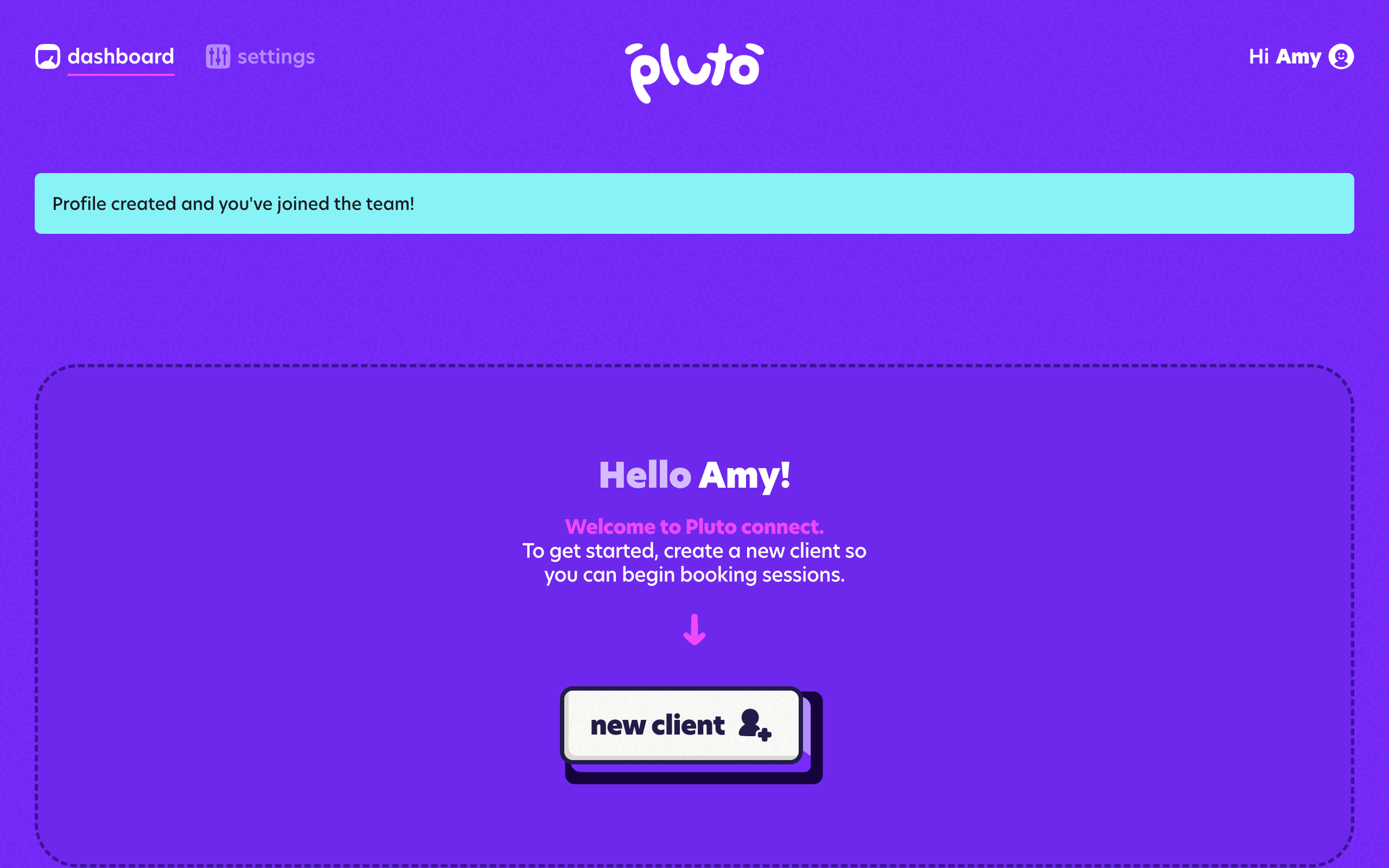
You've now joined the team and can start using Pluto!
Reminder: each account belongs to one clinic. If you work across more than one, contact us — switching between clinics isn't available yet.