
Creating a Pluto account
There are two ways to get a Pluto account, depending on whether you're starting a clinic or joining one. This guide shows you how to set up a new account - this will create a new clinic and make you the clinic owner.
Starting a clinic
Start by signing up at the create account page.
During our early access period, only pre-approved emails are eligible to create a new clinic. To request access, contact us at support@plutoconnect.io.
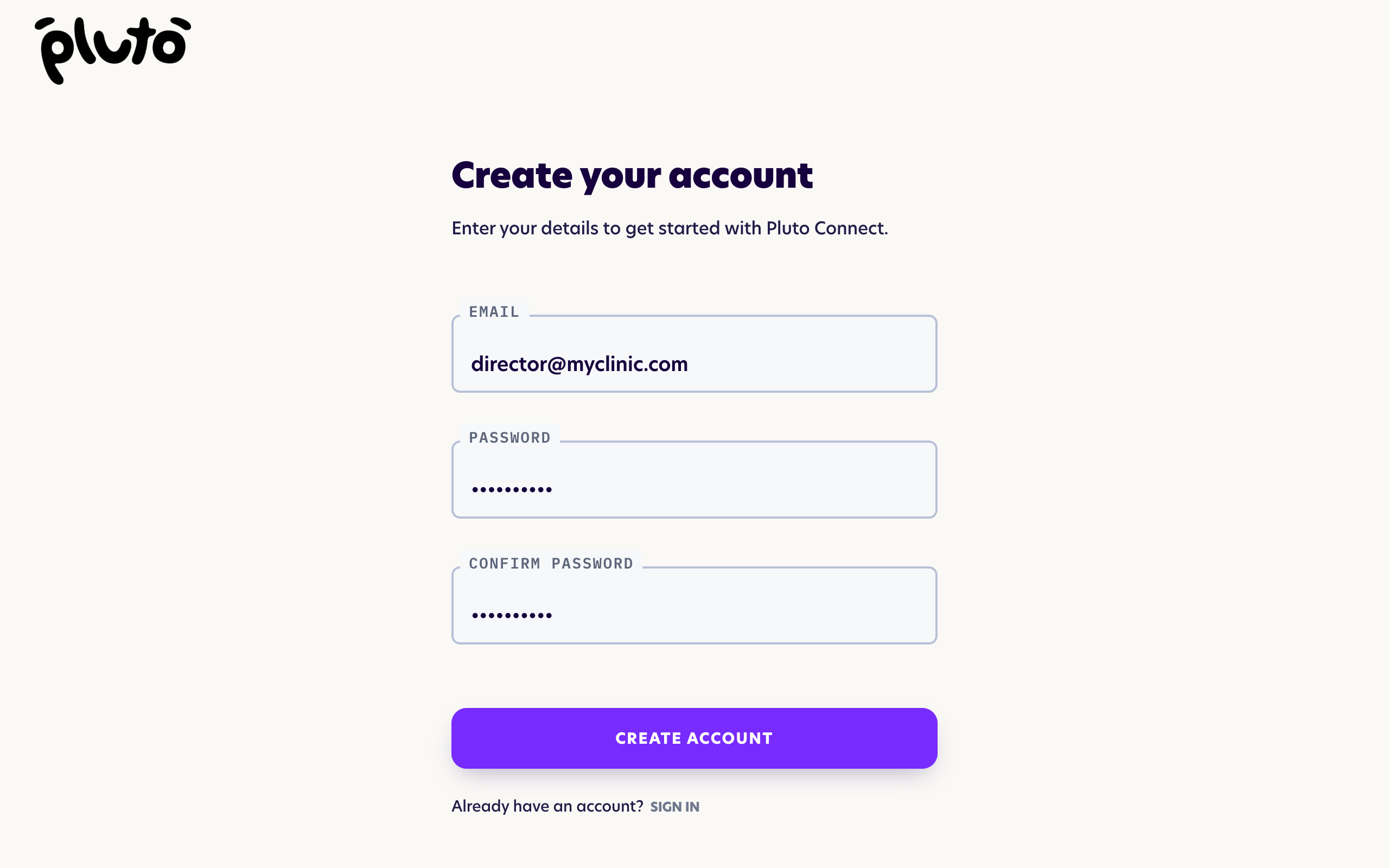
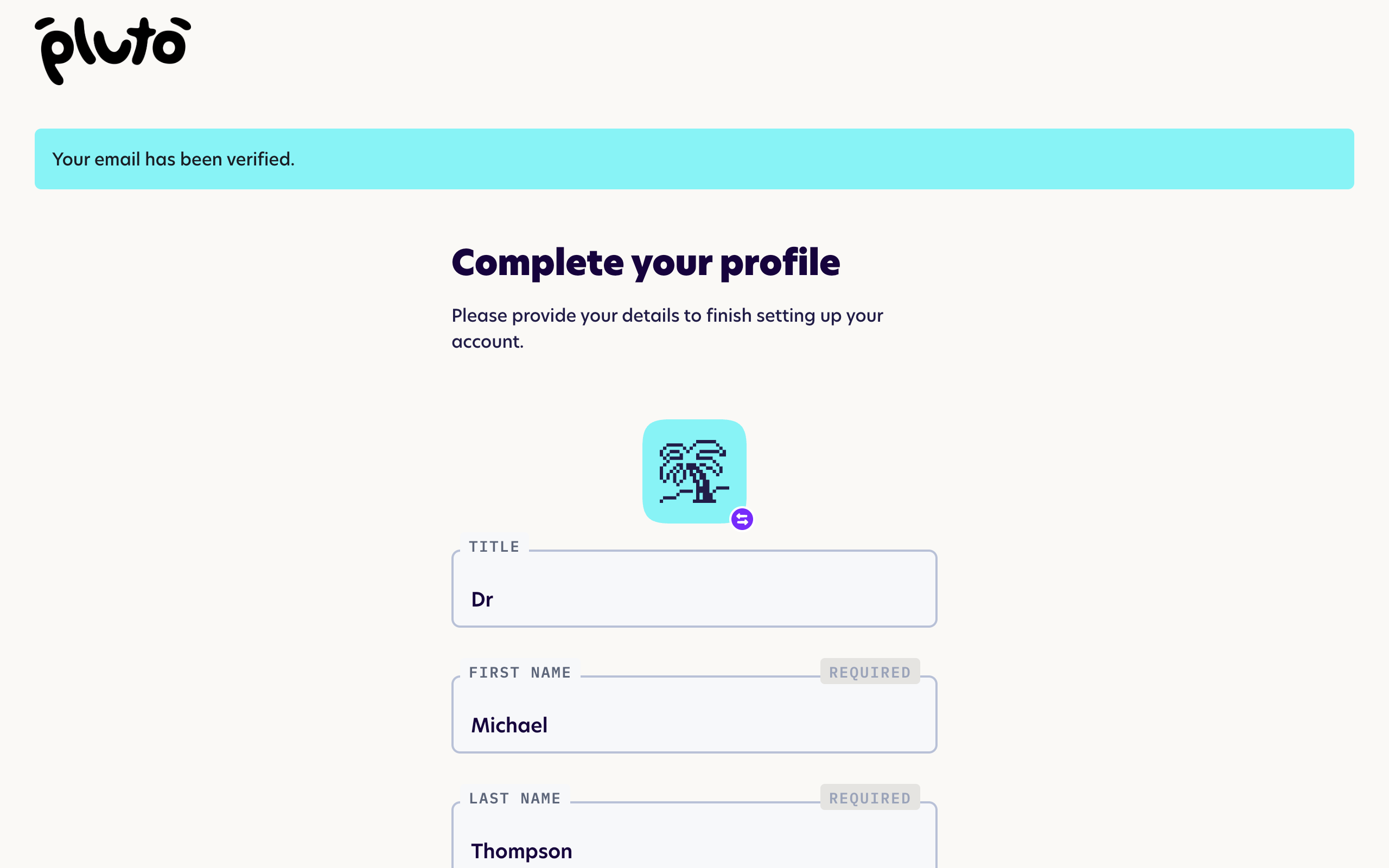
Once you've signed up, you'll receive an account verification email. Clicking the link in the email will take you to the profile screen. Fill in your details and your clinic name - you can change these later - and continue.
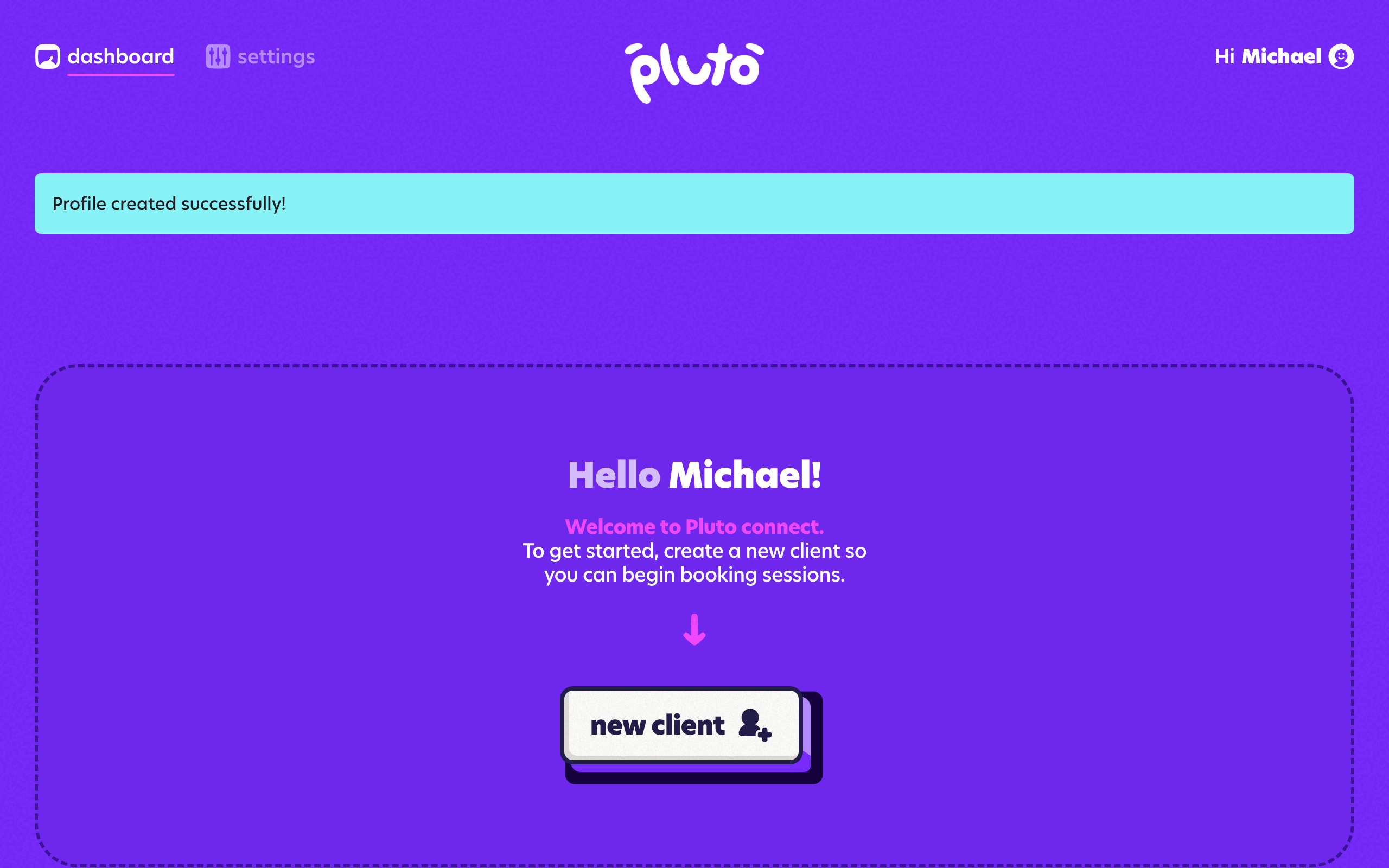
You should see the dashboard screen. Congratulations - you are now the owner of your new clinic and are ready to start using Pluto!
Next steps
Here are some next steps to help you get started: