
Following the Clinic director walkthroughExit
Managing your account
Manage your profile, your Pluto account, and your session preferences through the Settings screen. To access the settings screen, click the settings link in the top navigation bar of the Dashboard.
Clinic directors (owners) and admins have access to additional settings such as managing clinic details, and inviting or removing team members.
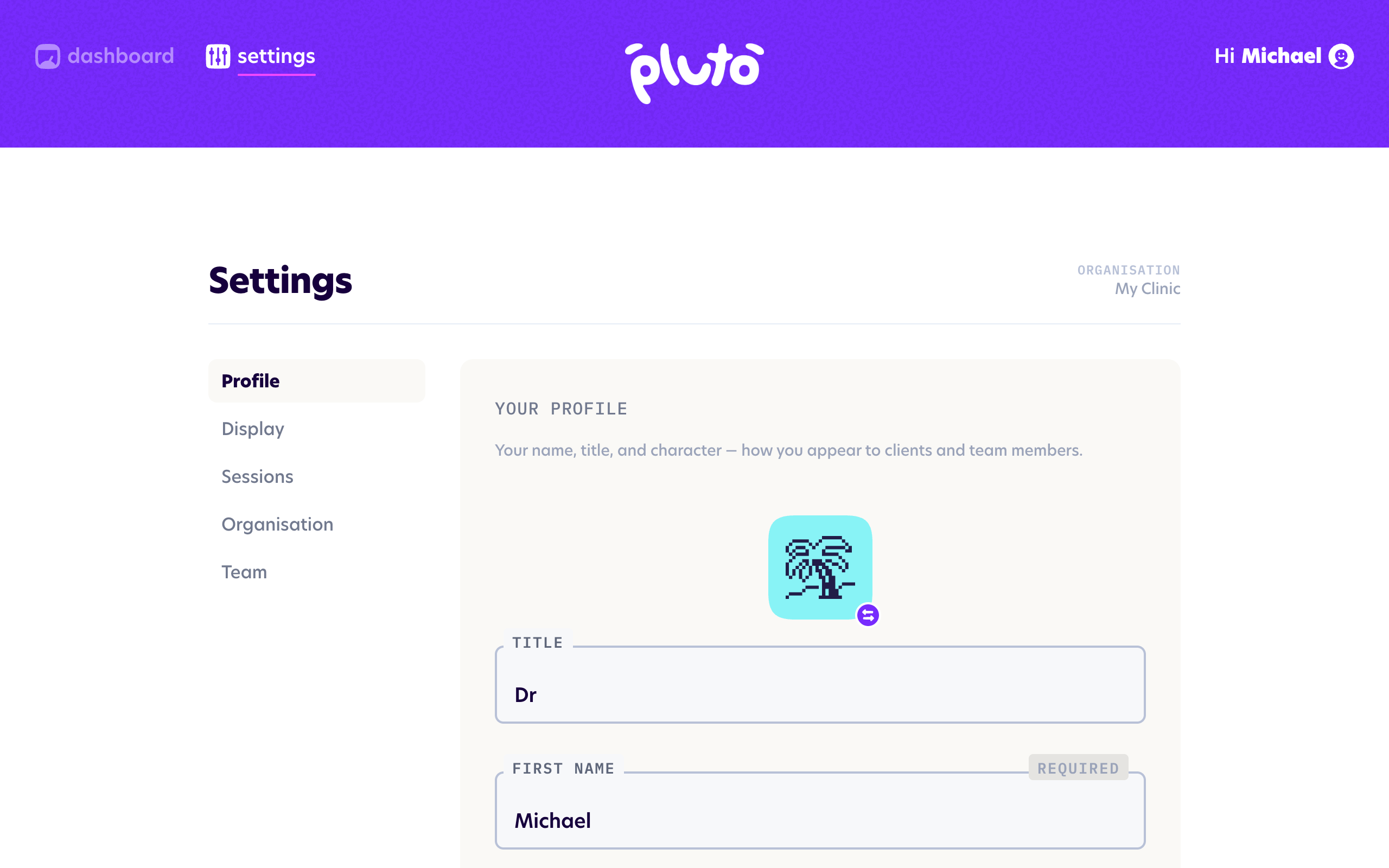
Jump to a section to learn more:
- Profile — your name, title, and character
- Display — how the app looks
- Sessions — default session preferences
- Organisation — your clinic's details
- Team — manage team members and invitations