
Display settings
Display settings control how your client list looks. Currently, admins can only use table view.
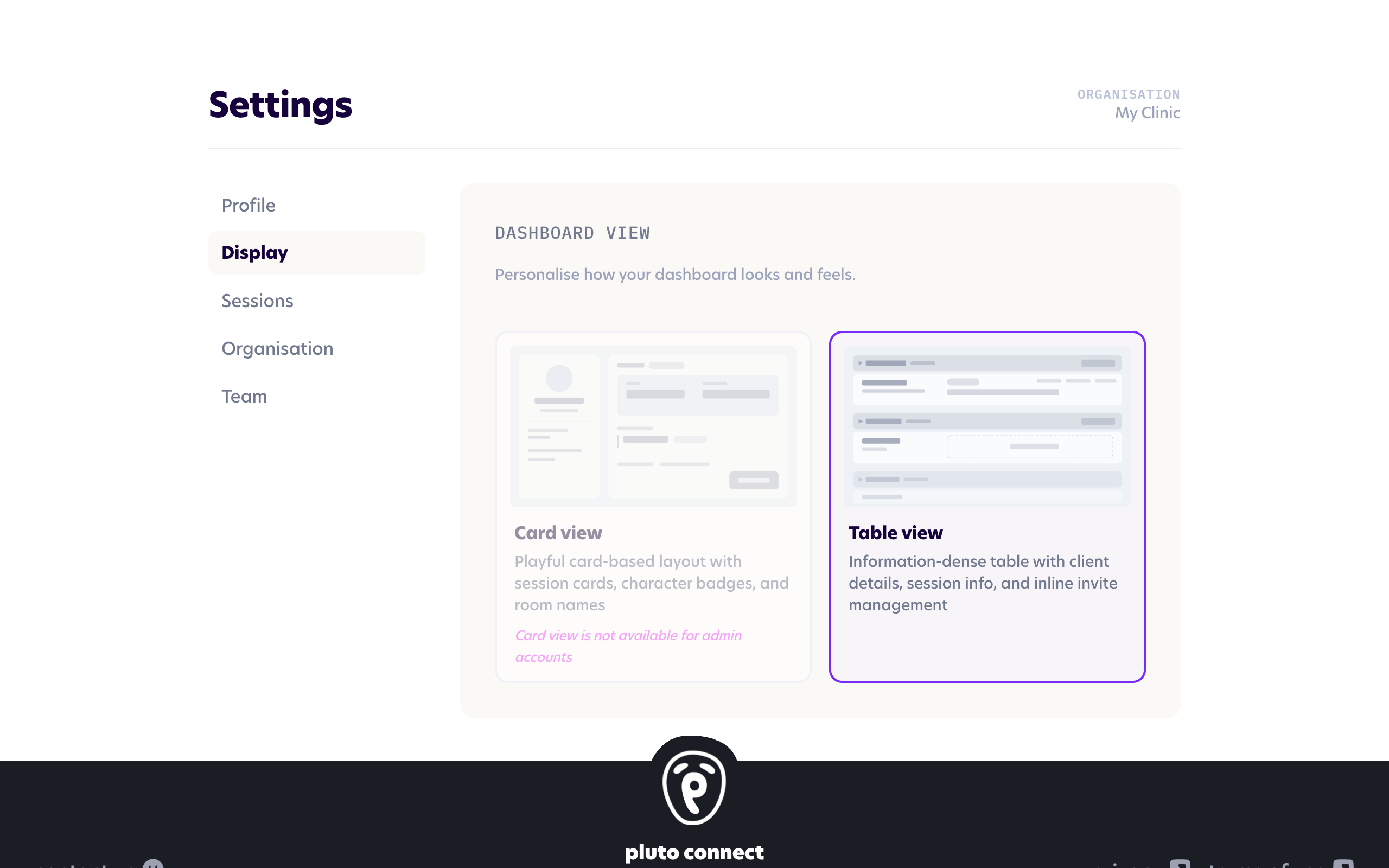
Table view gives you clear, organised list of all clients, grouped by clinician — great for scheduling and managing sessions across the clinic.
Here you can easily see upcoming and scheduled sessions, add and edit clients, schedule new sessions and quickly copy session links or session codes.
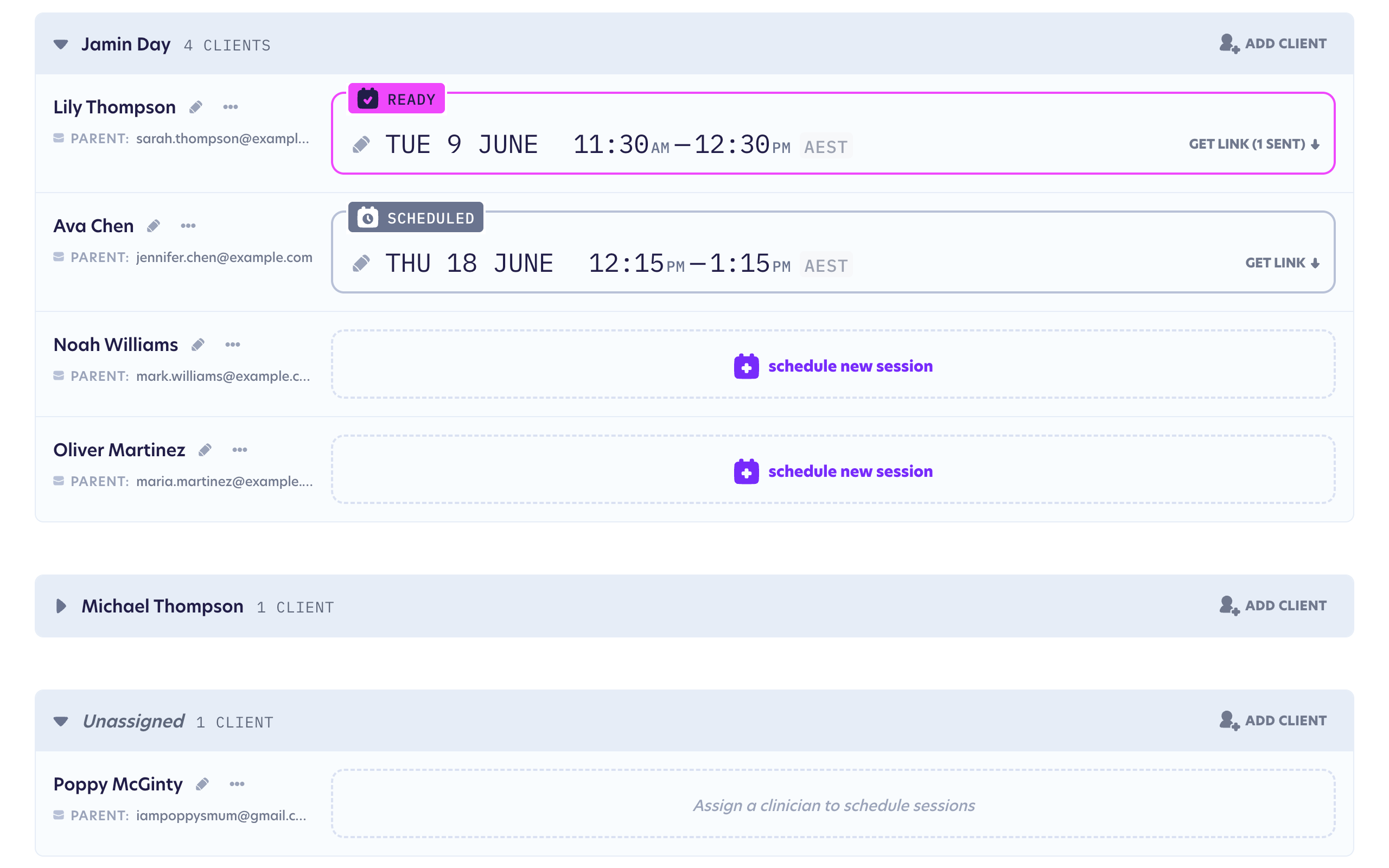
Clients that have been added to Pluto, but not yet assigned to a clinician, will be displayed in their own group.