
Profile settings
The profile screen controls how you appear to clients and team members. Here you can update details like your name, professional title and timezone.
The timezone is important for scheduling sessions and sending invites. Currently, client session invites will show session times using the timezone details that you set here.
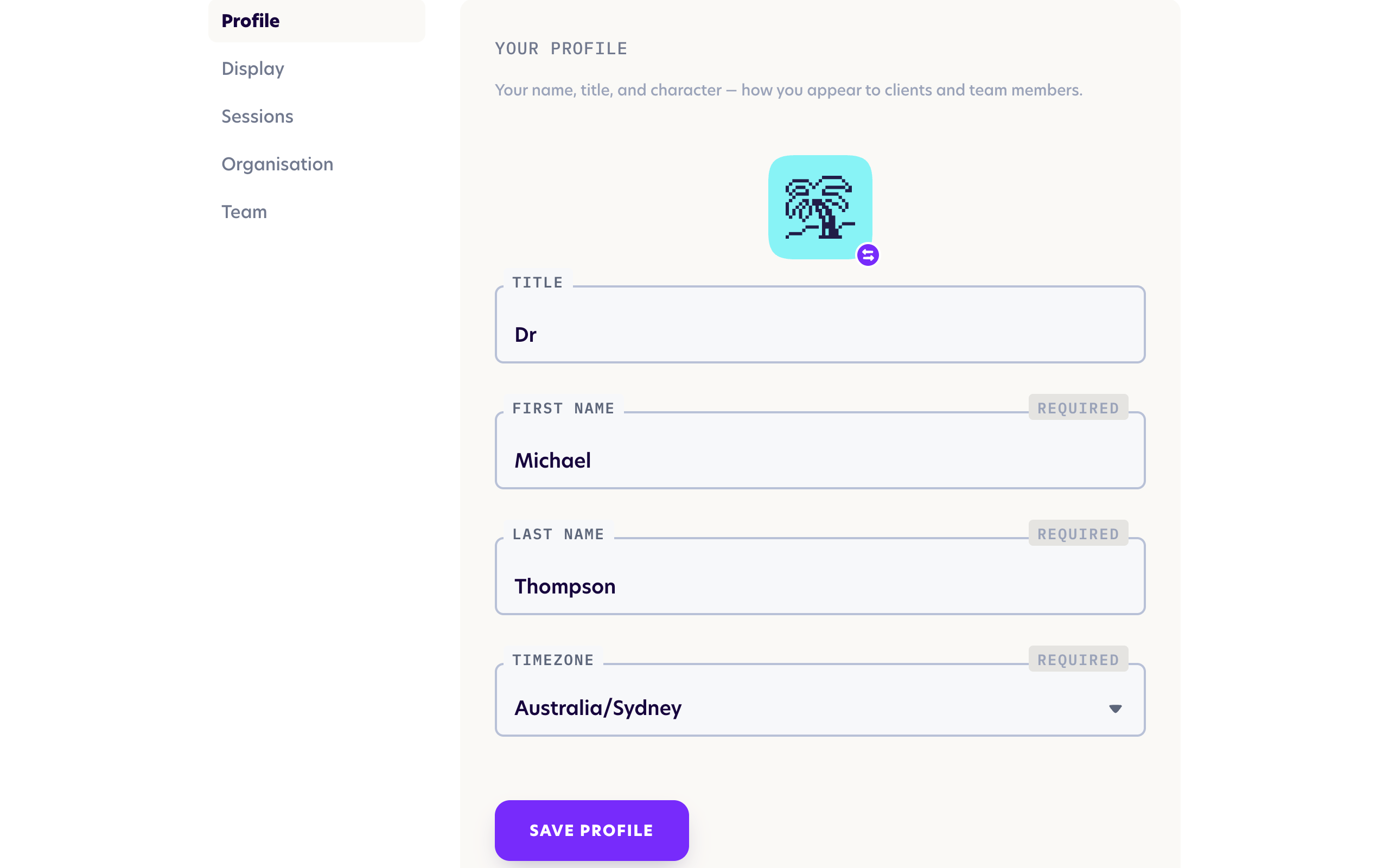
Click the shuffle button if you would like to change your character icon. Character icons are used during live sessions to represent each user, and are not currently applicable to admin accounts.
When you are done, click the "Save profile" button at the bottom to save your changes. Changes to your profile take effect immediately.